This setup was for my M2 MacBook air and should work on most other m-series macs.
- Install UTM
- Download an arm64 ISO (I went for debian), post download verify the iso hash signature to ensure the image has not been tampered with
- Create a new VM,
- Virtualize → Linux → Boot from ISO
- I usually go for 4 cpu cores, 4GB memory and 20GB storage
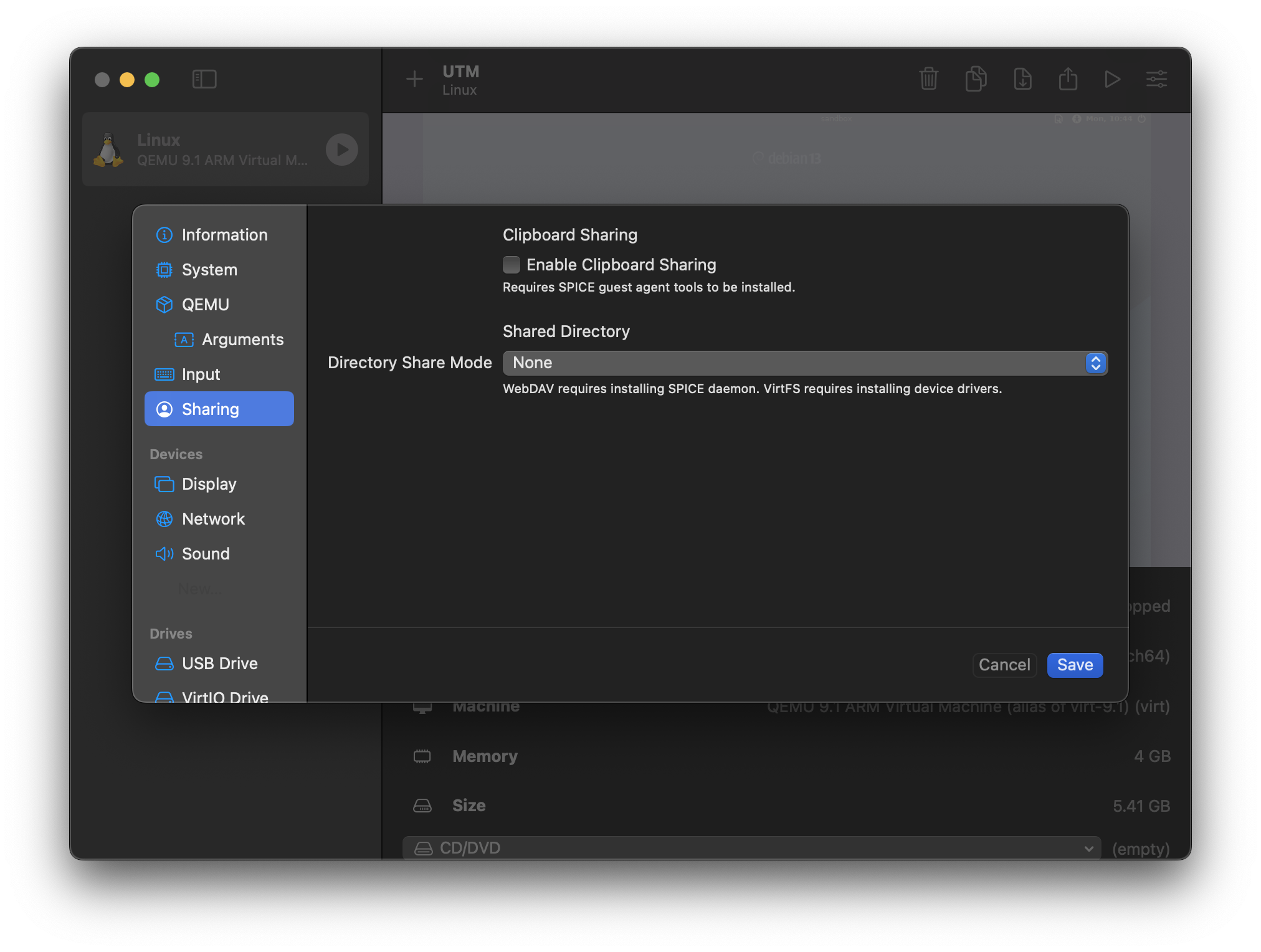
- Do not enable “shared directory”
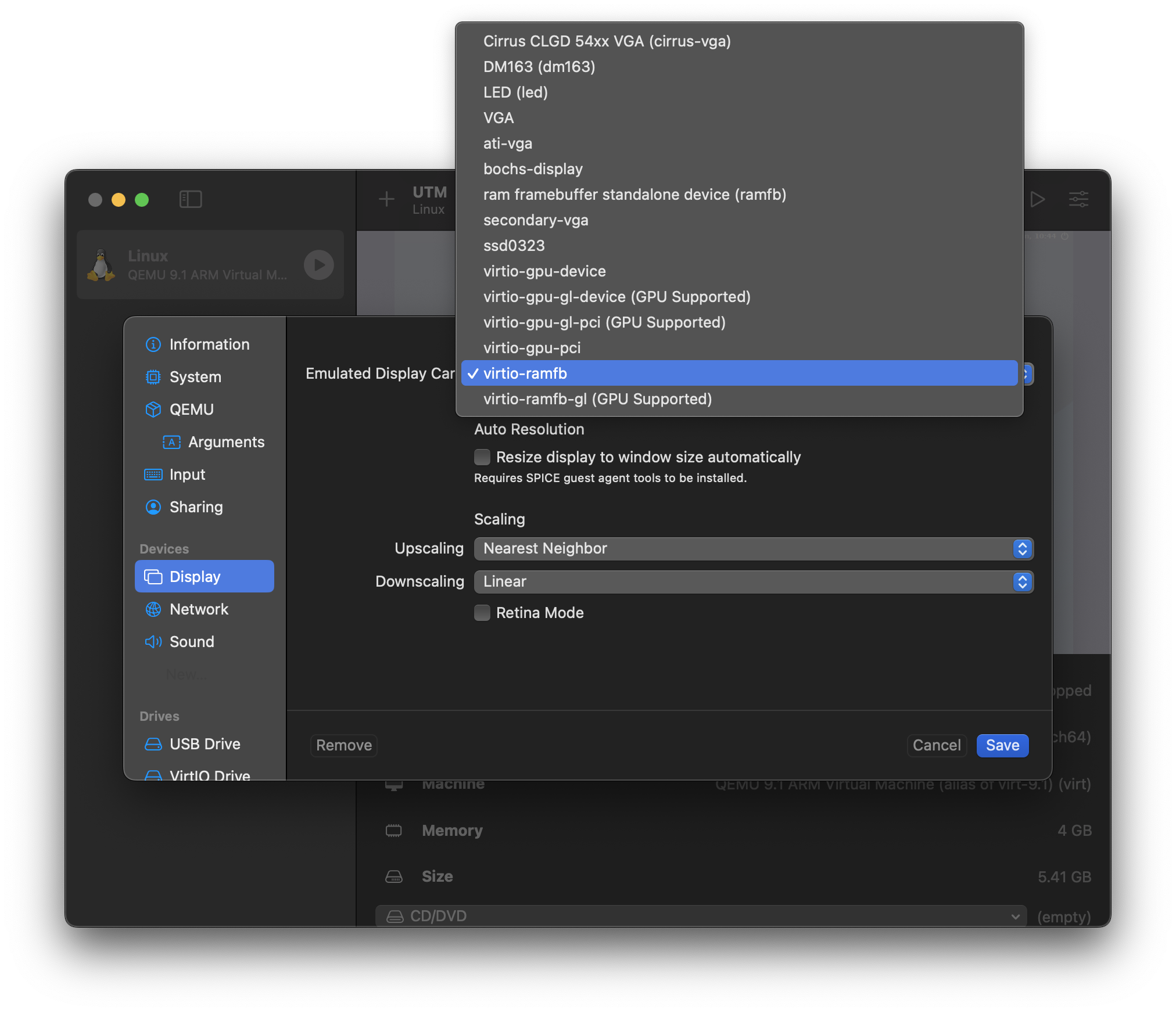
- Post creation, edit
 5. Run the VM and install OS
- Pick a random country for location and mirror
- Use a generic, random hostname and username
- Go for a minimal install (I only use standard system utilities)
- Uncheck SSH server
5. Run the VM and install OS
- Pick a random country for location and mirror
- Use a generic, random hostname and username
- Go for a minimal install (I only use standard system utilities)
- Uncheck SSH server